
Plans that fit your needs
Tap into the power of AI Agents, automated Workflows, and smooth Human Collaboration. Transform your operations and increase efficiency by up to 500%!
Free
Start right away.
Starter
More seats & chats volume. Suitable for solo founders & small businesses.
Team
More seats, chats volume & more features. Suitable for companies with small CS team.
Business
Unlimited seats, more chats volume & white label. Suitable for Brands with large CS team & Agencies.

Enterprise
The Global use, no limit, no border of scale. Make your business could operate 24/7.
Plans that fit your needs
Tap into the power of AI Agents, automated Workflows, and smooth Human Collaboration.
Transform your operations and increase efficiency by up to 500%!
Free
Start right away.
Starter
More seats & chats volume. Suitable for solo founders & small businesses.
Team
More seats, chats volume & more features. Suitable for companies with small CS team.
Business
Unlimited seats, more chats volume & white label. Suitable for Brands with large CS team & Agencies.
Enterprise
The Global use, no limit, no border of scale. Make your business could operate 24/7.
Compare MoxChat plans
Get started with the free plan. No credit card required.
Chatbot Features
AI AssistantHelpdesk
Powerful features
Channels
Compare MoxChat plans
Get started with the free plan. No credit card required.
FAQs
Each time a customer starts a new chat session, it counts as one conversation — regardless of how many messages are exchanged within that session. So with a 5,000-conversation plan, you can handle up to 5,000 separate customer chat sessions per month. The count resets at the beginning of each billing cycle.
You'll receive a notification when you're approaching your conversation limit. Once you reach the limit, new incoming conversations will be paused until the next billing cycle. You can upgrade your plan at any time from your dashboard to instantly unlock more conversations — no downtime required.
On the Free plan you can create up to 1 bot. Paid plans (Starter, Team, and Business) allow you to create unlimited bots, each with its own knowledge base, personality, and workflow — perfect for managing multiple brands or use cases from a single account.
Yes. Agents receive real-time notifications whenever a customer starts a conversation or when the AI bot hands off a chat to a human agent. You can configure notification preferences — including in-app, email, and mobile push notifications — from the Helpdesk settings in your dashboard.
Absolutely. You can view and edit customer contact details — such as name, email, phone number, and custom tags — directly from the conversation panel. Any changes are saved to the customer's profile and synced across all your channels.
You can create multiple workspaces under a single MoxChat account. Each workspace operates independently with its own bots, team members, conversations, and settings — making it ideal for agencies or businesses managing multiple brands.
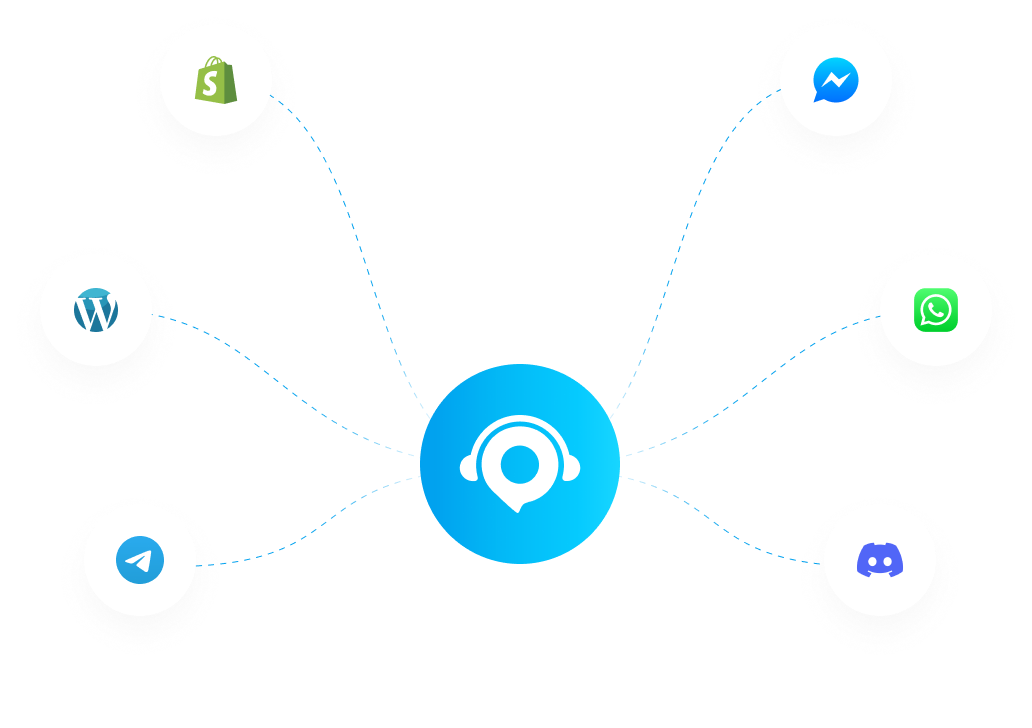
Go to the Integrations section in your dashboard and connect with just a few clicks. MoxChat supports Facebook Messenger, Instagram, WhatsApp, Telegram, Shopify, and your website via an embeddable chat widget. Each channel syncs into one unified inbox so your team never misses a message.
No — each workspace has its own separate subscription. This gives you full flexibility to choose different plans for different workspaces based on their needs. You can manage all your workspace subscriptions from a single account dashboard.
Yes. You can set a default reply language for each bot in its settings. MoxChat's AI supports multiple languages and can also auto-detect the customer's language to respond accordingly — so your customers always get a natural experience in their preferred language.