

How to Set Up an Easy Chatbot for Your Small Business Without Coding
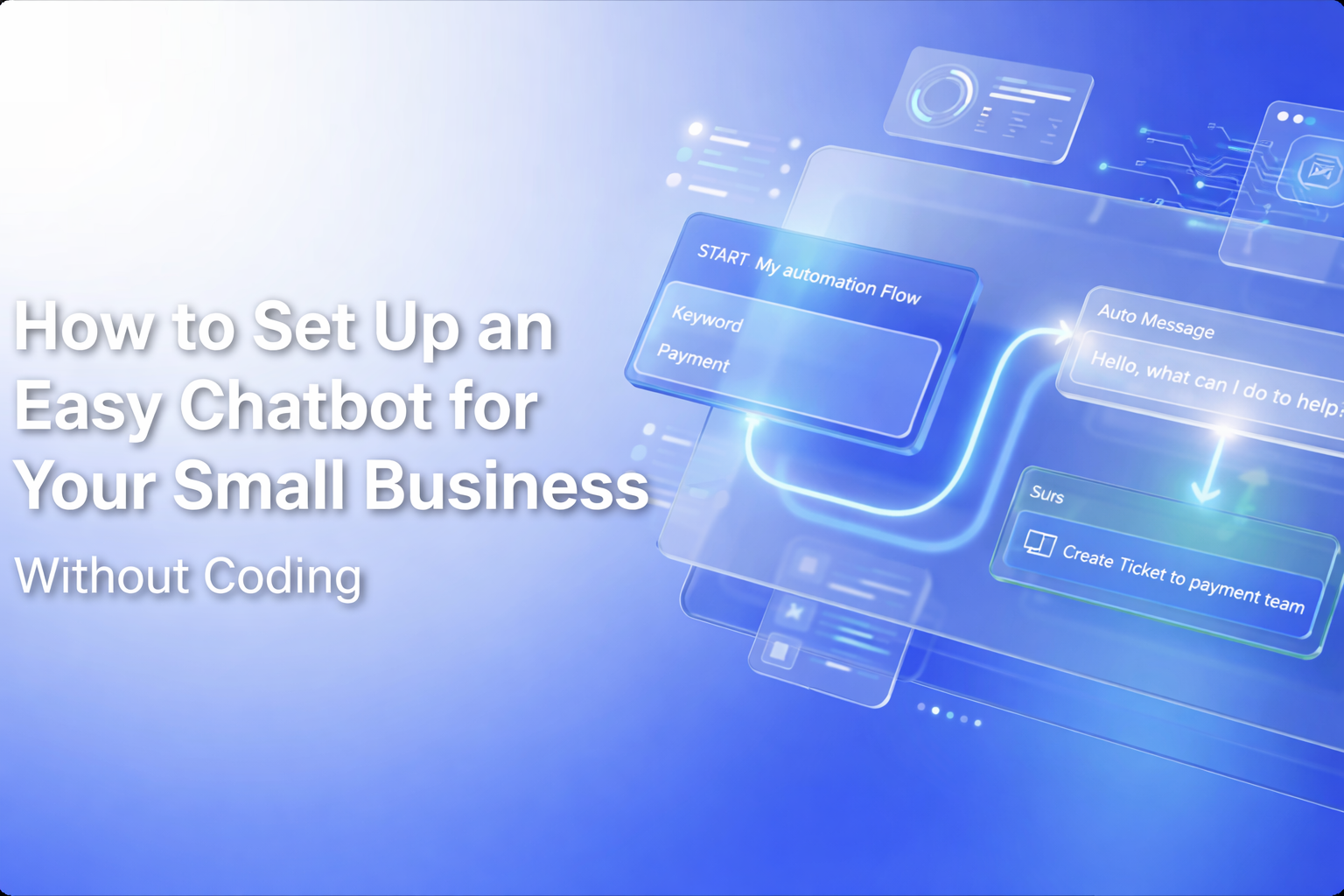
You don’t need to be a developer to set up a powerful AI chatbot for your business. In fact, the best chatbot platforms in 2026 are designed specifically for non-technical business owners who want results without the complexity.
This guide walks you through setting up a fully functional AI chatbot for your small business in under 30 minutes, with zero coding required.
1. Why Every Small Business Needs a Chatbot in 2026
79% of consumers prefer live chat over any other communication channel because of the immediacy it provides. But small businesses can’t afford to staff a live chat team around the clock. AI chatbots solve this by providing instant, intelligent responses 24/7.
1.1 Customer Expectations Have Changed
Today’s customers expect instant responses. A study by HubSpot found that 82% of consumers rate an "immediate" response as important when they have a sales or marketing question. If you’re not available when they reach out, they’ll go to a competitor who is.
2. No-Code Chatbot Setup with MoxChat
MoxChat’s visual builder lets you create conversation flows by dragging and dropping elements. No coding, no APIs, no technical jargon. Just point, click, and customize.
2.1 Step-by-Step Setup Guide
Step 1: Sign up for a free MoxChat account. Step 2: Add your website URL and let the AI scan your content. Step 3: Customize the chatbot’s greeting message and personality. Step 4: Set up common Q&A pairs for your business. Step 5: Choose your chat widget’s colors and position. Step 6: Copy the embed code and paste it into your website. That’s it. Your AI chatbot is live.
3. Training Your AI Without Technical Skills
MoxChat’s AI learns from your existing content automatically. Upload your FAQ document, product catalog, or policy pages, and the AI absorbs the information. You can also teach it by example: type a customer question and the ideal response, and the AI learns the pattern.
Over time, the AI gets smarter by learning from real conversations. It identifies common questions, suggests new Q&A pairs, and even flags conversations where it wasn’t confident in its response so you can improve it.
4. Common Use Cases for Small Businesses
Restaurants use chatbots for reservations and menu inquiries. Real estate agents use them for property information and scheduling viewings. Fitness studios use them for class schedules and membership questions. Dental offices use them for appointment booking and insurance queries. E-commerce stores use them for product recommendations and order tracking.
5. Measuring Your Chatbot’s Success
MoxChat provides a simple dashboard showing key metrics: total conversations, resolution rate, average response time, customer satisfaction scores, and conversion rate. Most small businesses see a 40% reduction in support emails within the first month and a measurable increase in leads captured outside business hours.

Sign up to create
free AI chatbot